

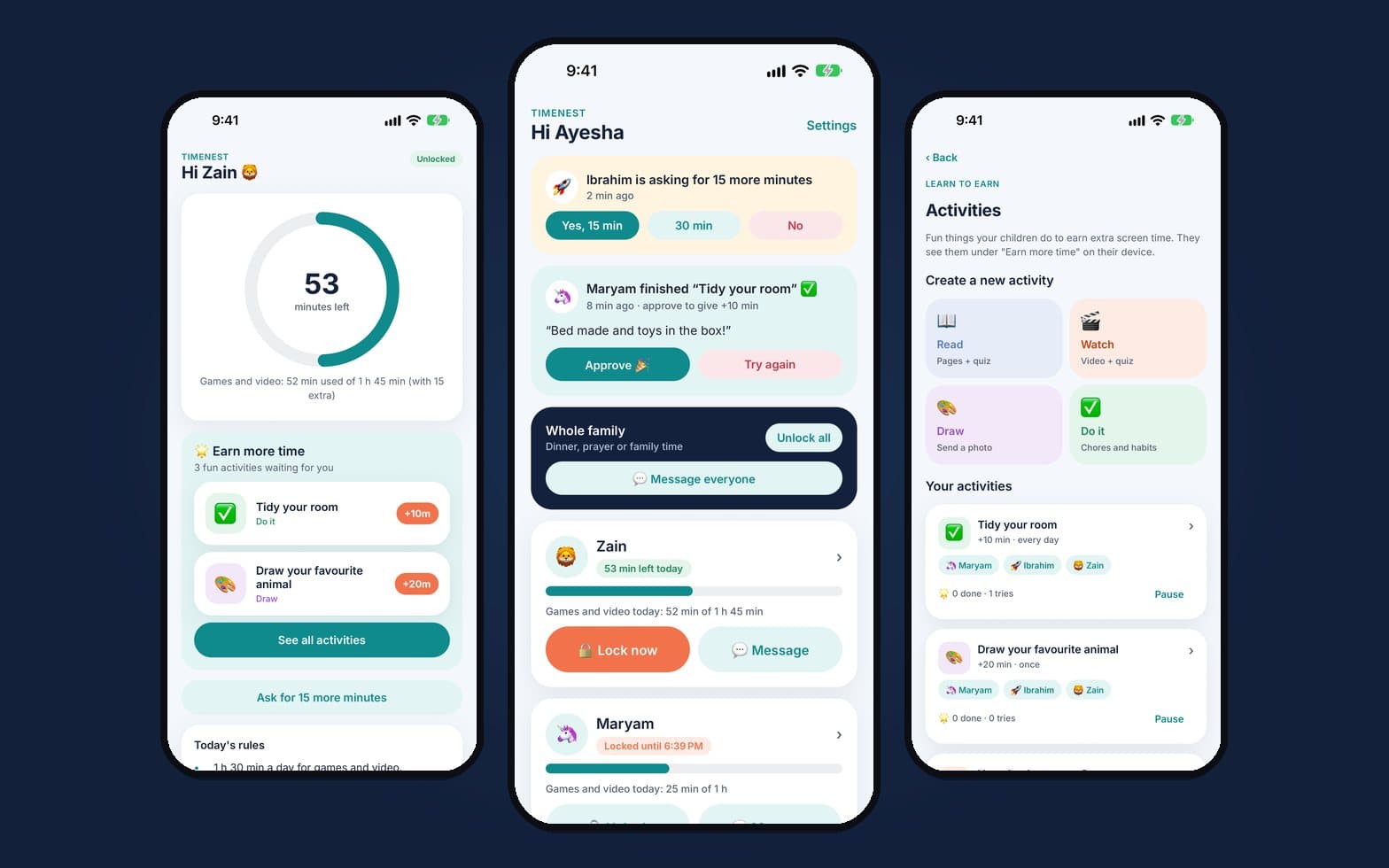
Lock and limits
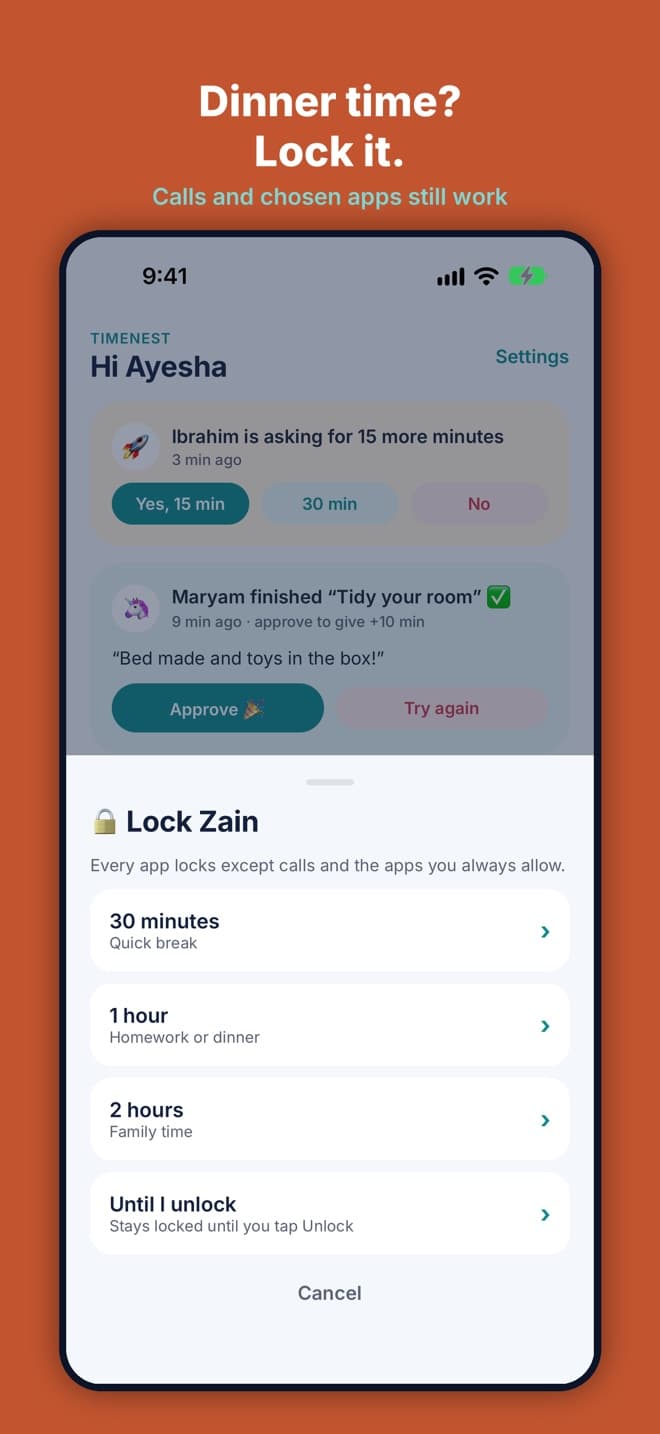
Lock now or lock all, timed locks, and daily limits for games and video.
TimeNest helps families agree on screen time and keep it, without arguments.
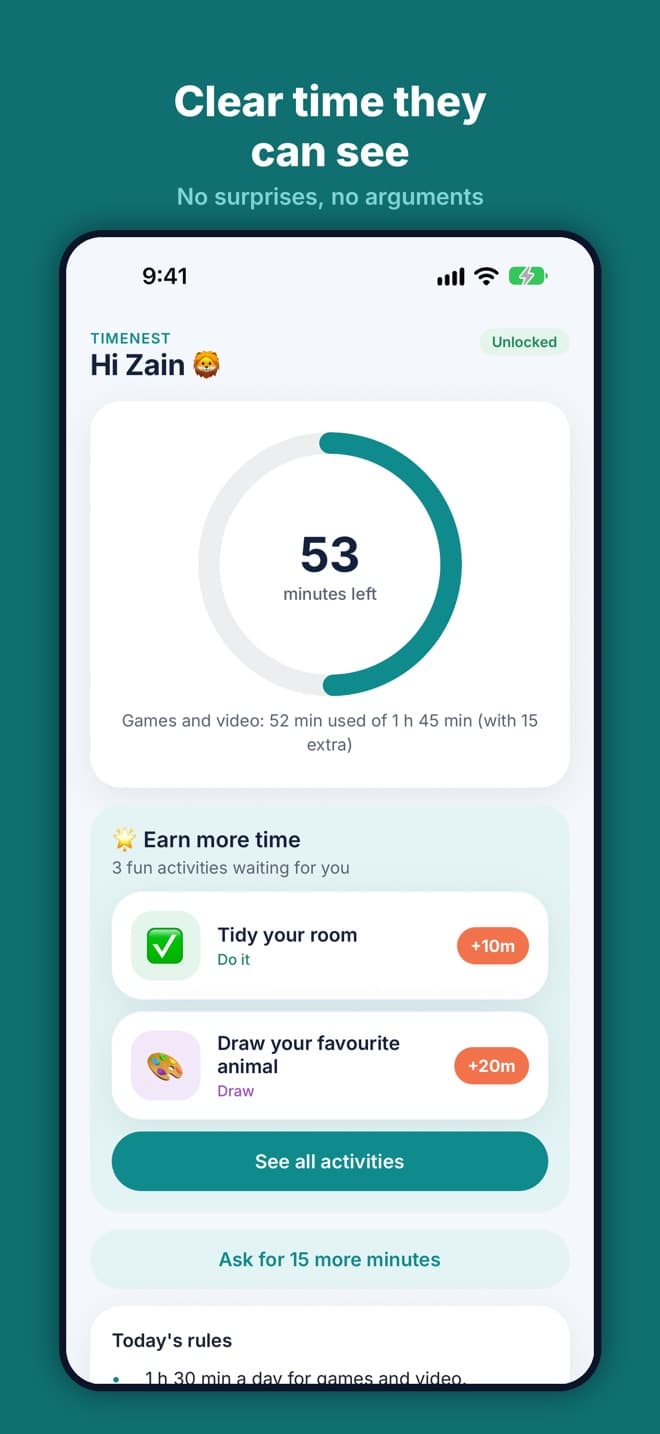
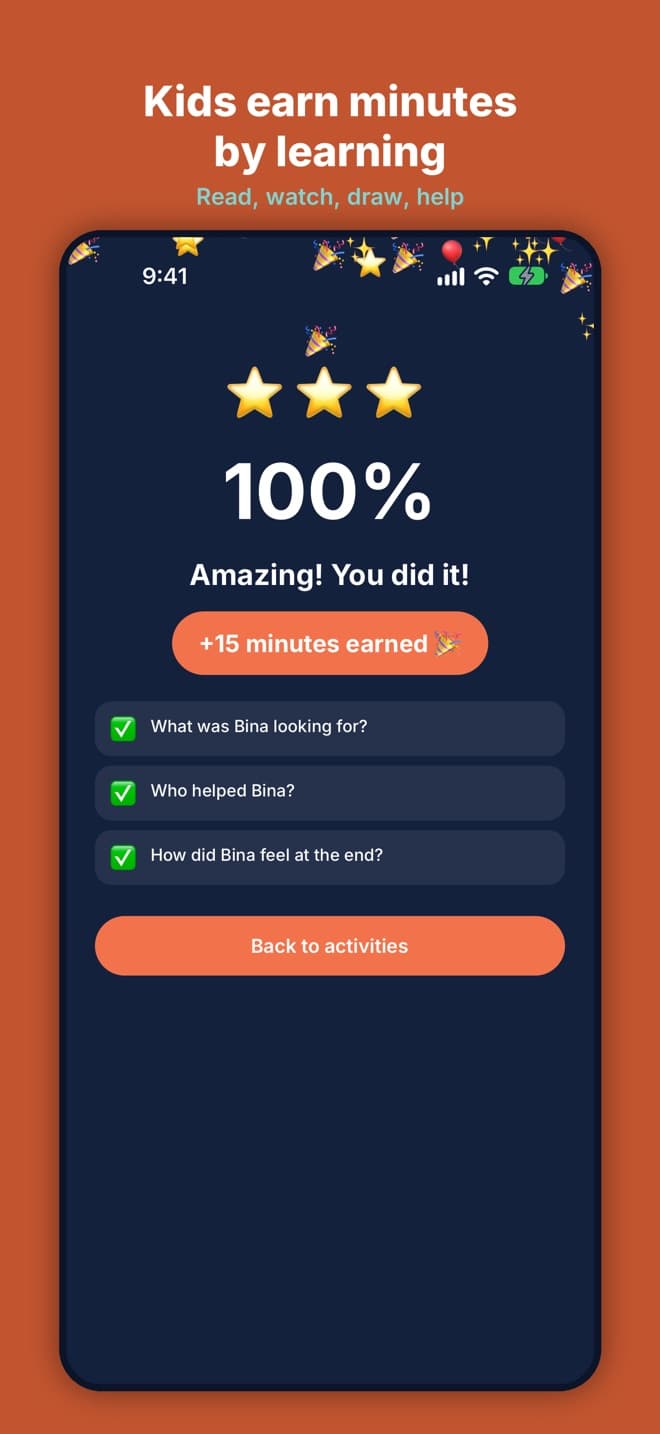
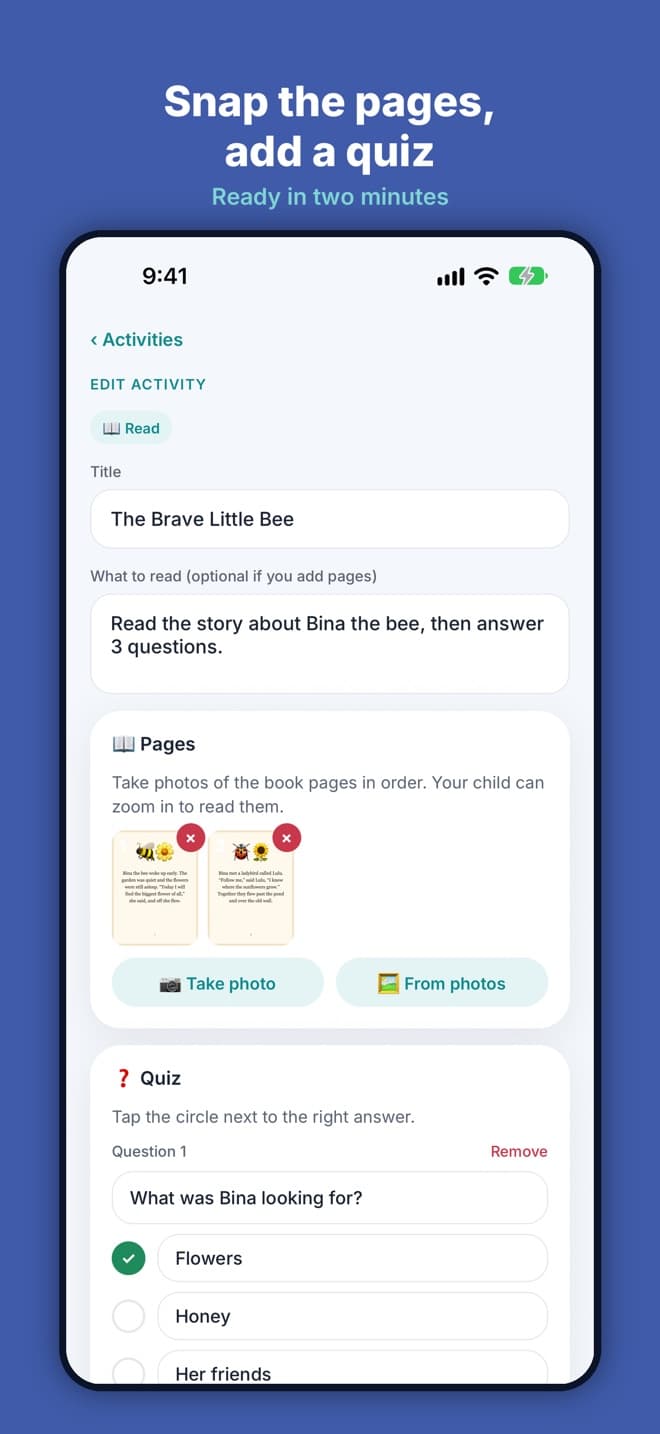
Parents lock a child's iPhone or iPad with one tap, set daily limits for games and video, and add bedtime and school-time locks. When a child wants more, they ask for 15 minutes and the parent answers yes or no from their own phone. Kids can also earn time by reading and answering a quiz, watching a learning video or doing chores. Built on Apple's Screen Time controls, free, with no ads.
Read the TimeNest case study →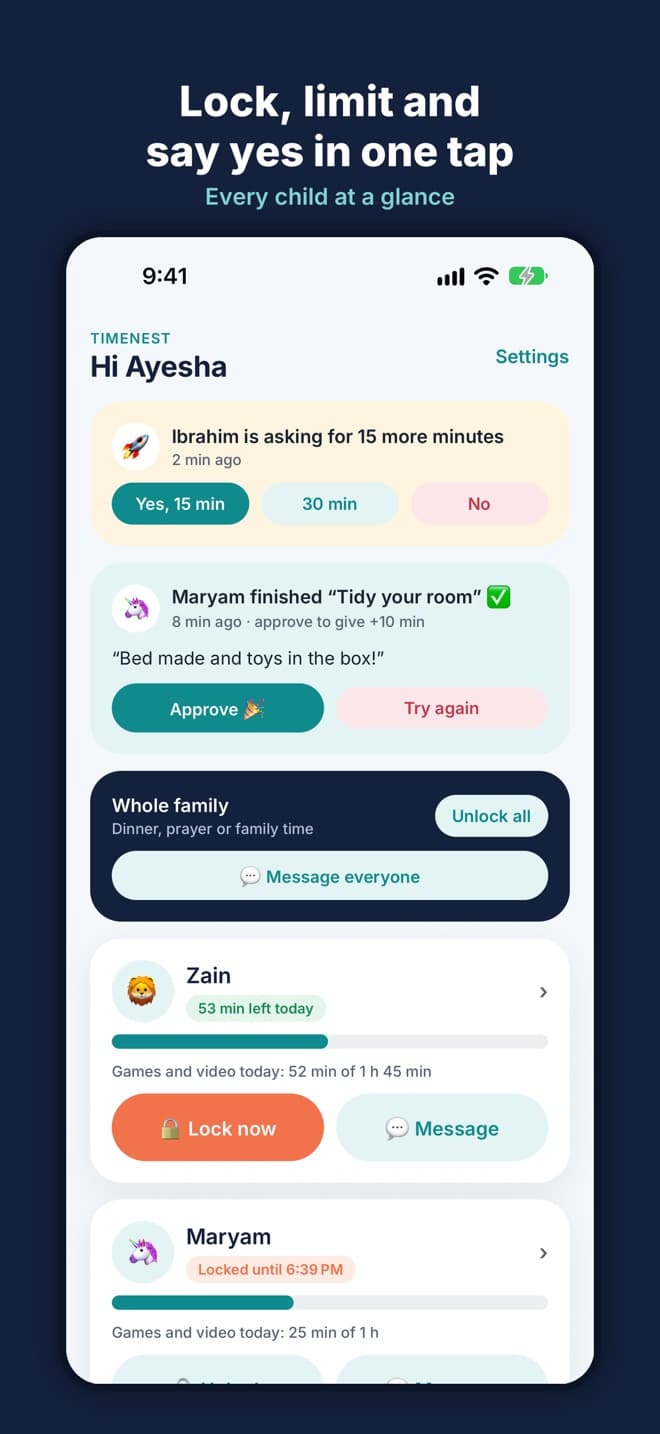
Daily fights about screen time
Limits that are easy to get around
Kids who only ever ask for more
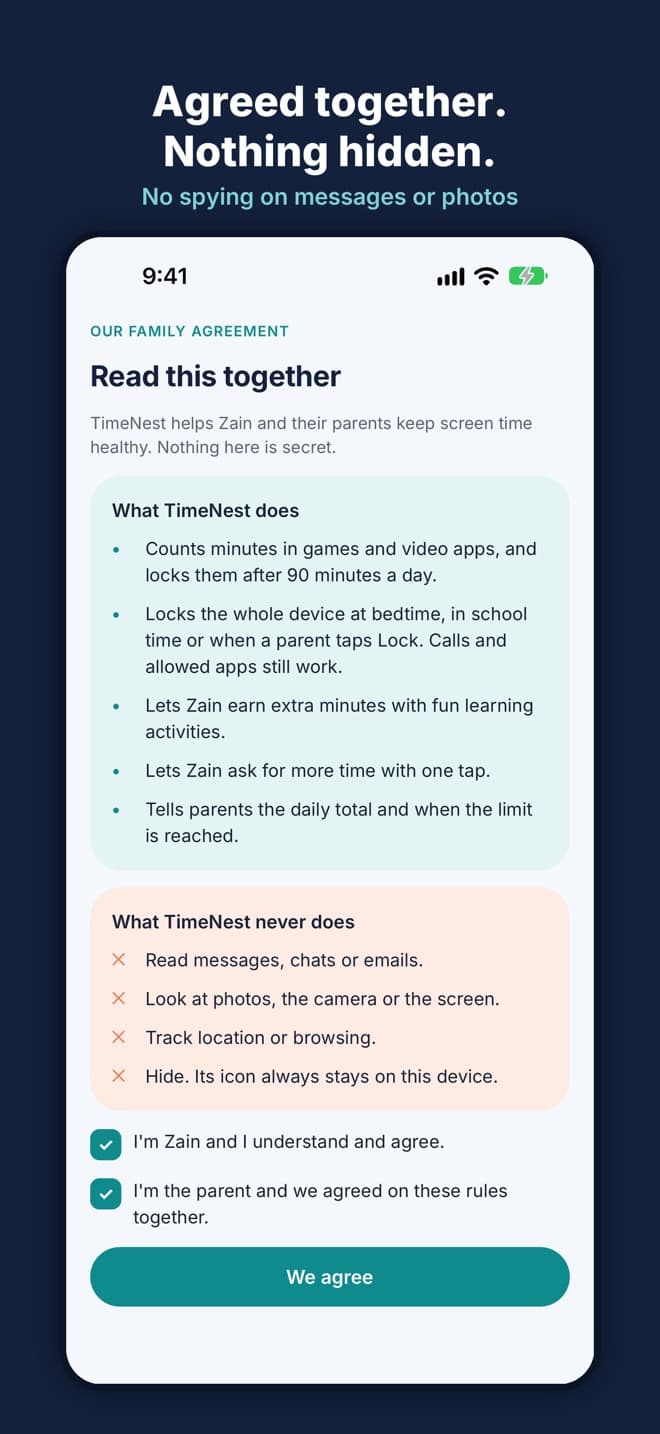
Parental apps that feel like spying
How it fits together
Lock now or lock all, timed locks, and daily limits for games and video.
The child asks for 15 more minutes and the parent says yes or no with one tap.
Locks that switch on by themselves, with an optional adult-site filter.
Reading with a quiz, a video with a quiz, photo tasks and chores earn extra minutes.
Link devices with a QR code and agree the rules together, with a parent PIN and quick messages.
11features, ready on day one
What TimeNest does out of the box. Anything missing can be added for your business.
Who runs TimeNest, and what they use it for.
Yes. TimeNest is free on the App Store, with no ads.
iPhone and iPad with iOS 16.4 or later. An Android version is in progress.
By reading and answering a quiz, watching a learning video with a quiz, or doing photo tasks and chores the parent approves.
Limits and locks are set from the parent's phone, protected by a parent PIN, using Apple's own Screen Time controls.
Explore it yourself right now, or book a 30-minute guided walkthrough, online or on-site.
Related products