
Ask five POS sellers in Saudi Arabia for a price and you'll get five answers that are hard to compare. One quotes a monthly fee, one a one-off licence, one includes a tablet, one charges per branch. Here's how to add it all up, with the prices for our own POS so you have one real example.
The parts of the cost
A POS system has four costs. Make sure every quote covers all four.
- The software, usually a monthly or yearly subscription.
- The hardware: a tablet or computer, a receipt printer, a cash drawer, often a barcode scanner, and for restaurants a kitchen screen or kitchen printer.
- Card payments: the mada and card terminal comes from your bank or payment provider, with its own fees per transaction.
- Setup: entering your menu or products, training staff, and connecting to ZATCA.
The software: a real example
Hisaabii is the POS we built for Saudi Arabia, so here are its prices as published on hisaabii.com. All plans start with 30 days free.
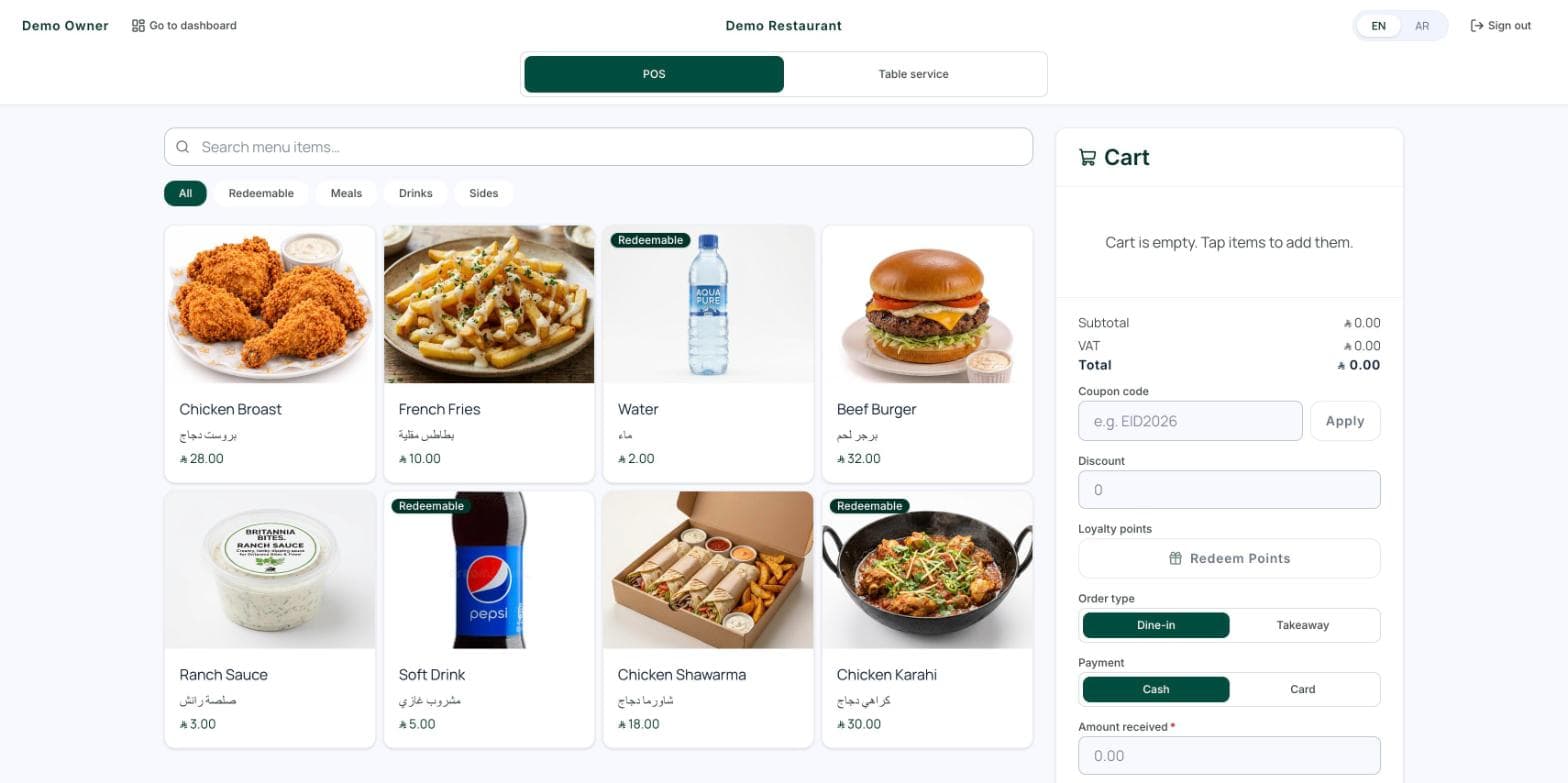
- Restaurants and cafés ([Hisaabii POS](/products/hisaabii-pos)): Starter SAR 99 a month with one branch, or Pro SAR 199 a month with three branches. Yearly is SAR 990 or SAR 1,990.
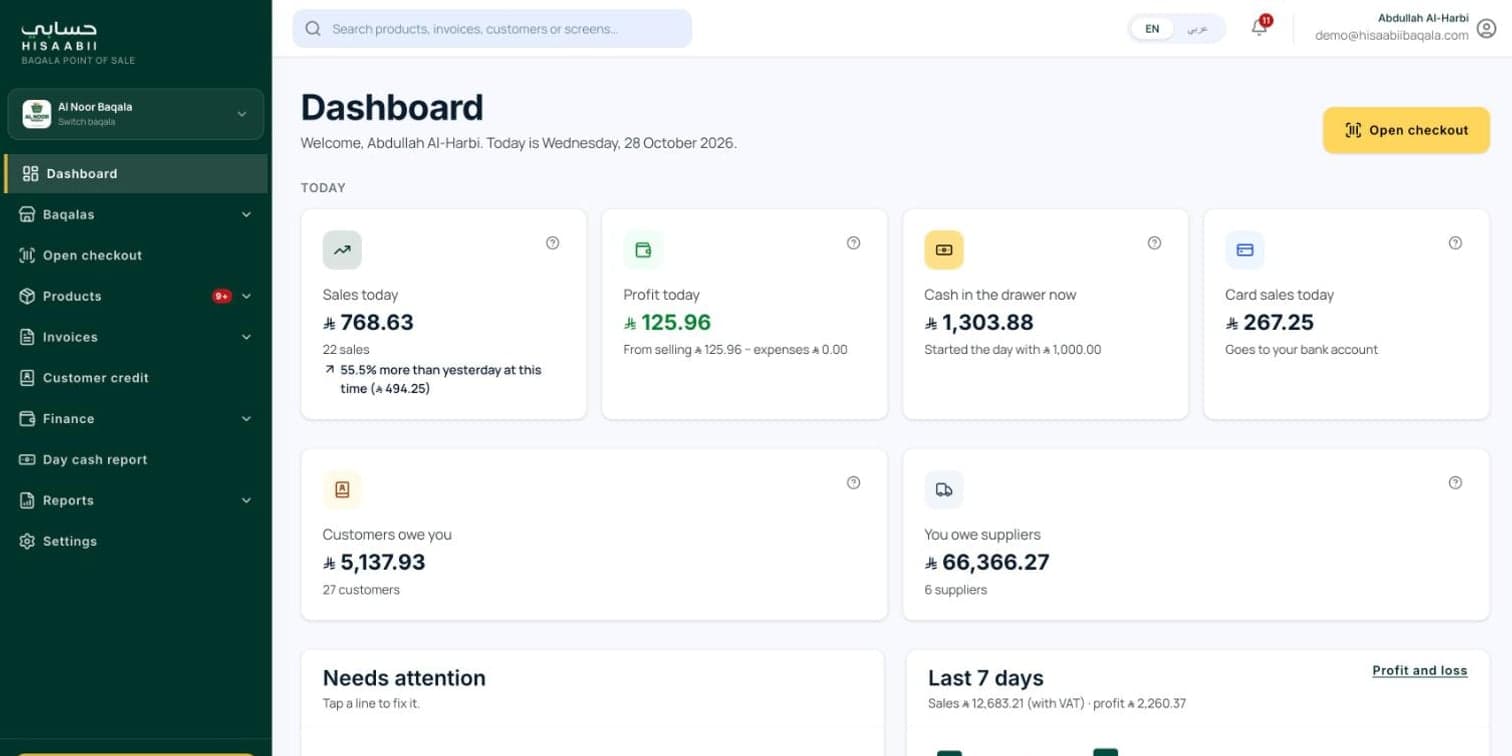
- Groceries and baqalas ([Hisaabii Baqala](/products/hisaabii-baqala)): one plan, SAR 99 a month or SAR 990 a year, for one baqala.
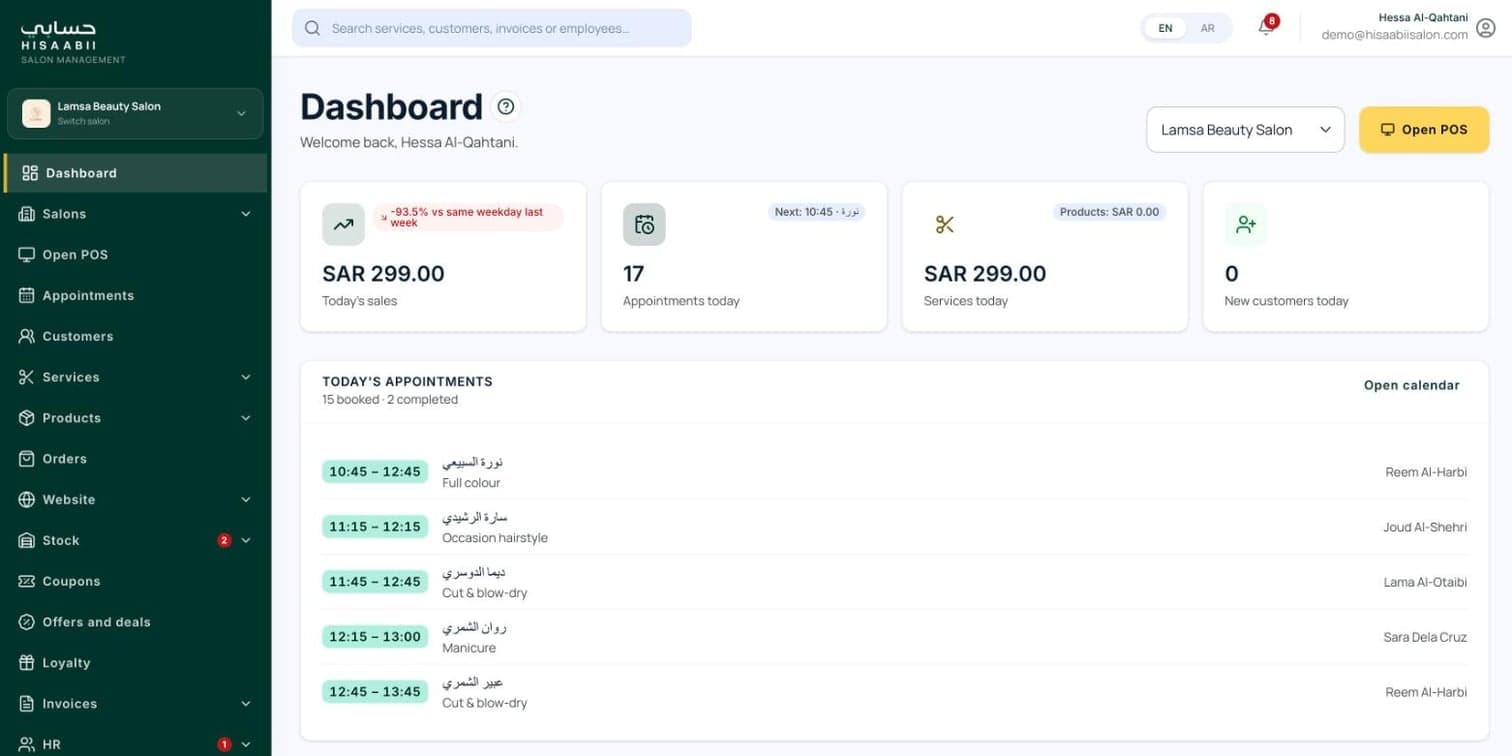
- Salons and barbershops ([Hisaabii Salon](/products/hisaabii-salon)): Starter SAR 99 or Pro SAR 199 a month.
- Extra branches: SAR 30 a month or SAR 300 a year each.
These prices are before VAT. When you compare with other brands, check what each plan includes, because the cheapest headline price often leaves out branches, devices or ZATCA.
Hardware
You may already own some of it. Many small cafés and baqalas start with a tablet they have, plus a receipt printer and a cash drawer. A busy restaurant adds a kitchen screen so orders don't get lost, and a grocery adds a barcode scanner and a scale for loose items.
Before you buy, check that the POS works with the printer and scanner you choose. Ask the seller for a list of tested models.
ZATCA Phase 2
If you're registered for VAT, every sale needs a ZATCA-compliant e-invoice with a QR code, and in Phase 2 your system has to connect to ZATCA. When your business's wave comes, a POS that isn't connected becomes a problem quickly.
Ask every seller: is the POS already integrated with ZATCA for Phase 2, and is that included in the price or extra? We wrote a plain guide to what Phase 2 means for a small shop.
The costs that catch people out
- Per-branch fees that double the bill when you open a second location.
- Per-device fees, where each extra tablet or cashier costs more.
- Paid modules: loyalty, online ordering, inventory or reports sold separately.
- Setup and training charged as a one-off fee.
- Long contracts that are hard to leave. Check whether you can pay monthly and cancel.
- Your data. Make sure you can export your sales and products if you ever move.
How to compare quotes
Work out the total for your first year: software for every branch, hardware, setup and any modules you'll actually use. Then compare that number, not the headline monthly price.
Try before you pay
Every Hisaabii product has a live demo and a free first month, so you can run a real day on it before paying anything. See Hisaabii POS, or if you need something custom for a chain or a franchise, tell us what you need.