

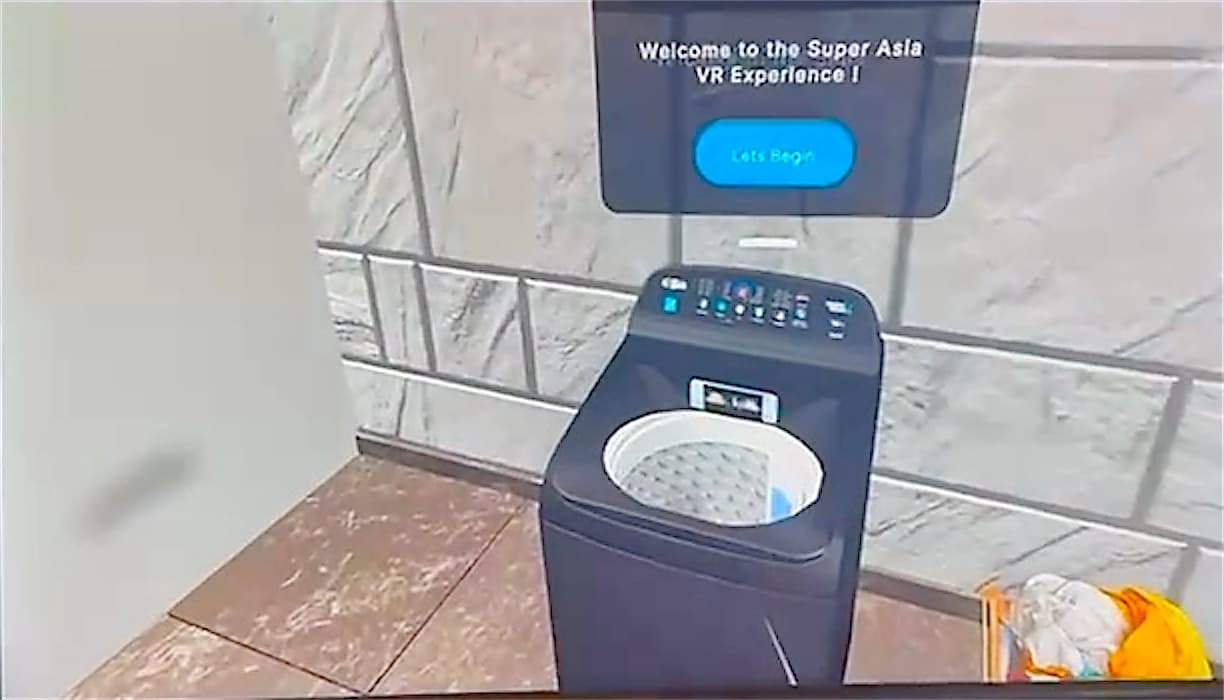
Branded VR space
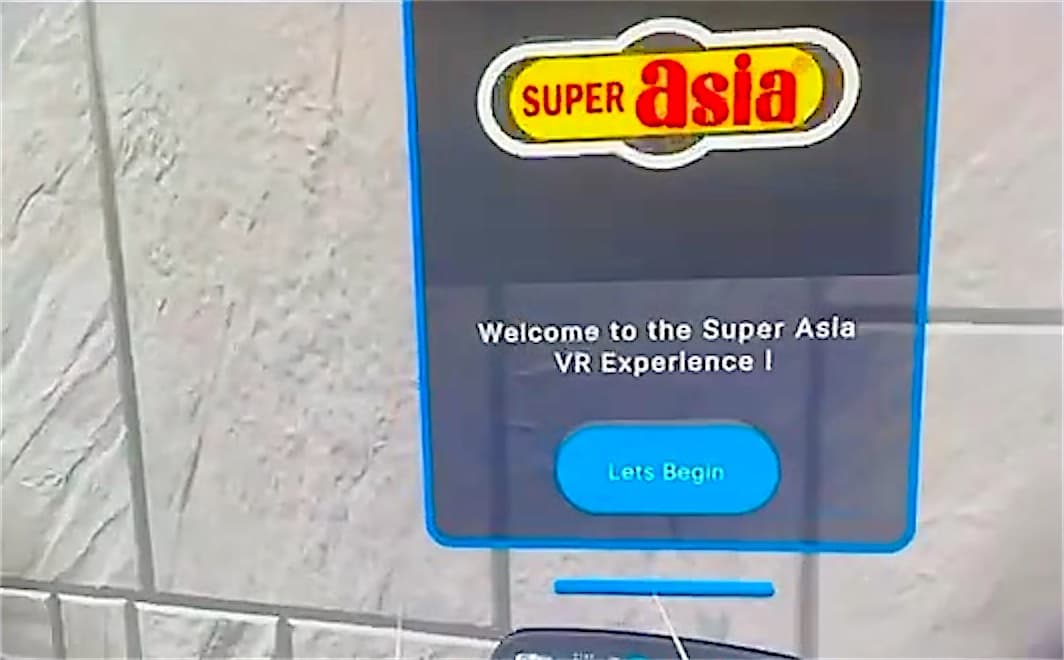
A room in your brand colours with product displays on the walls and your logo on the welcome screen.
Products / AR/VR
Any product, rebuilt in VR, so customers can use it before they ever touch the real one.
Interactive VR Product turns a product demo into something people do, not watch.
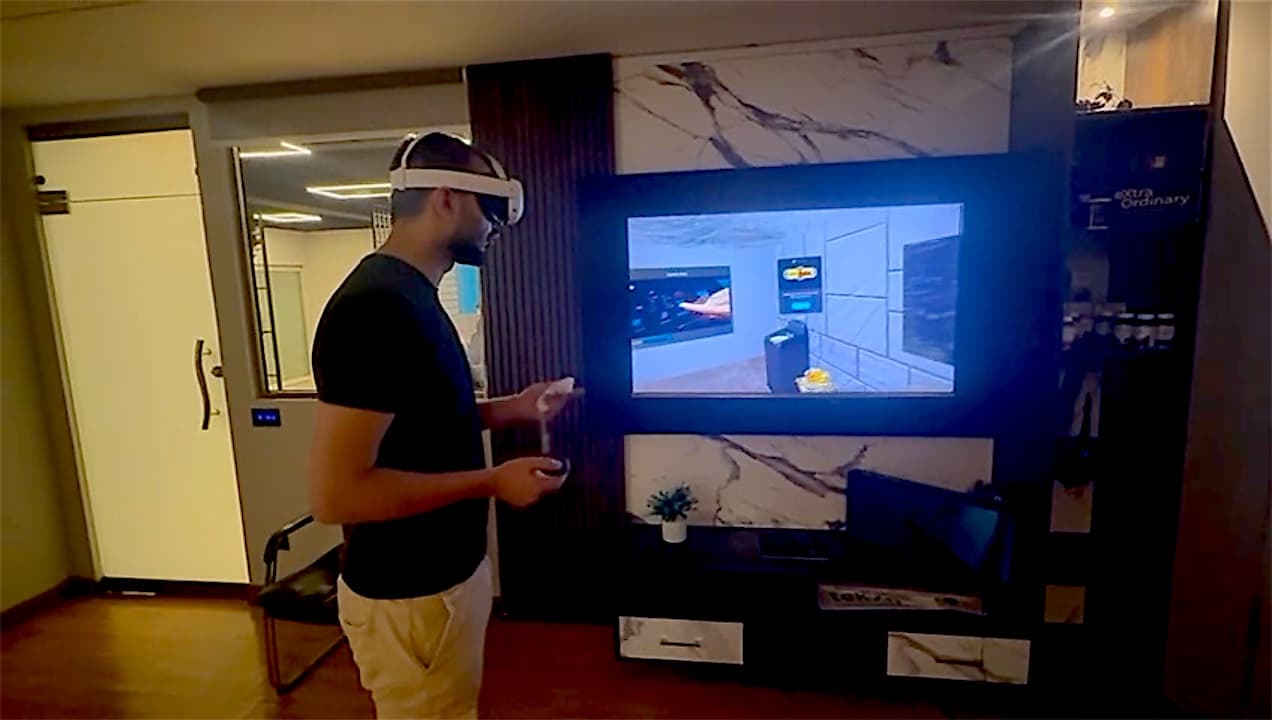
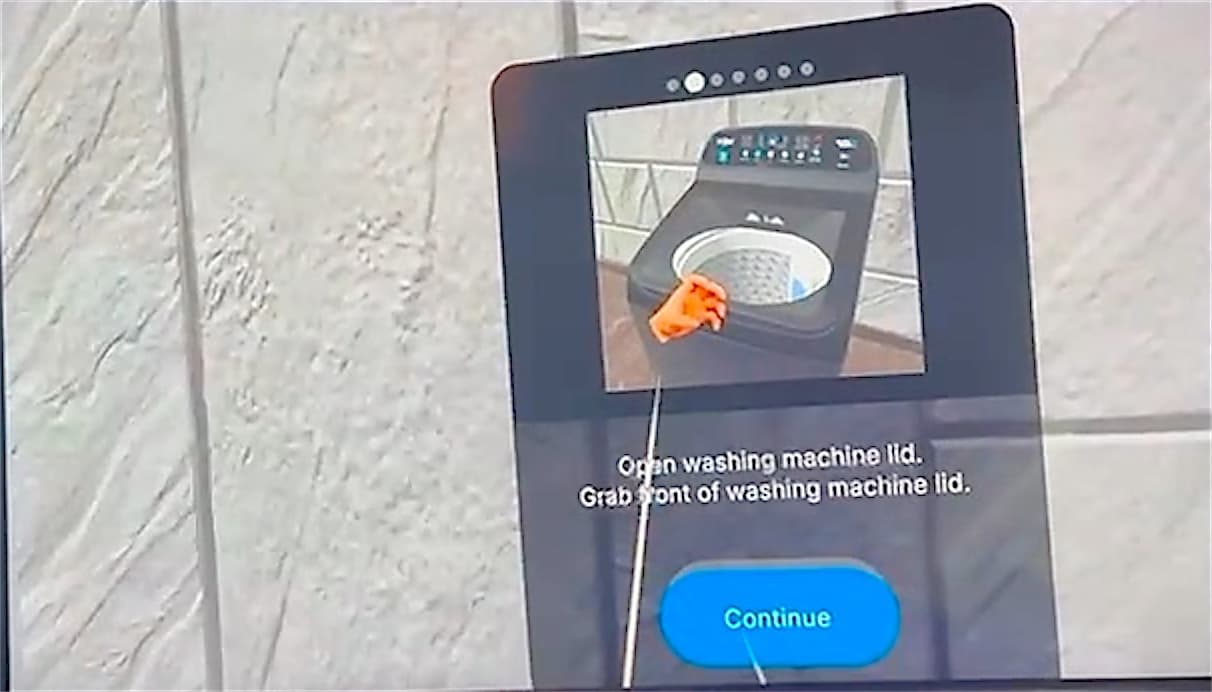
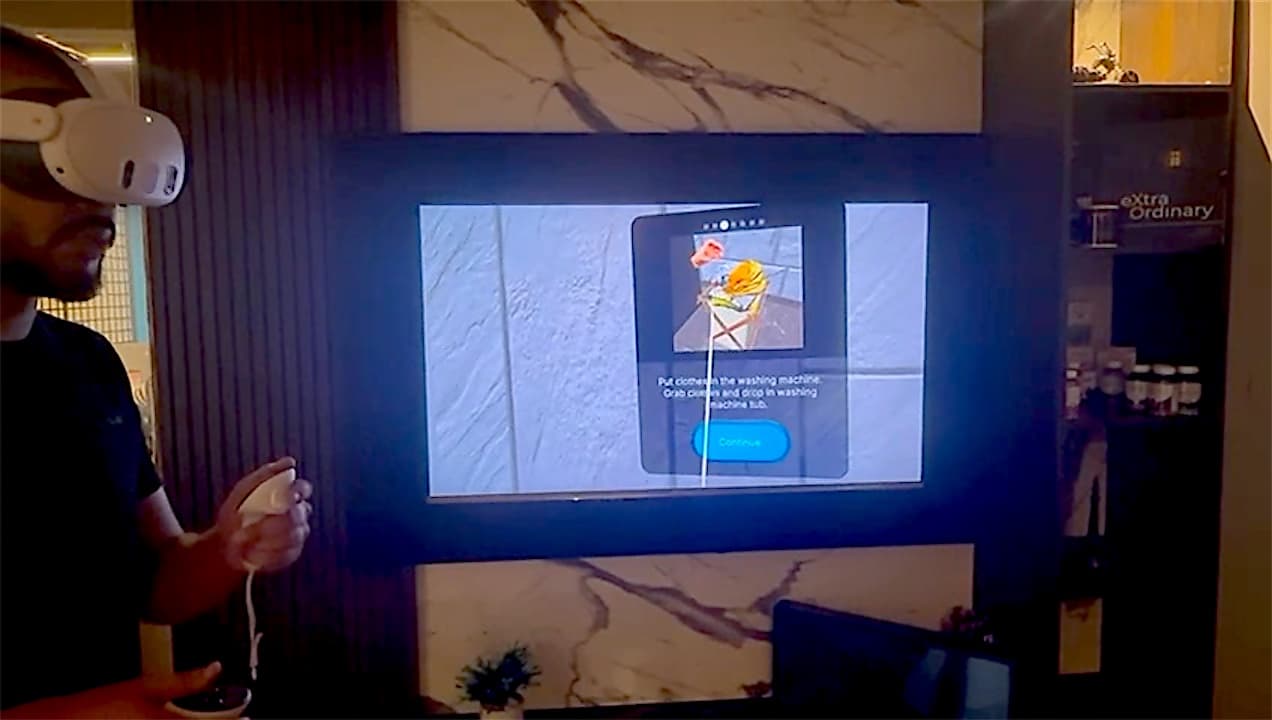
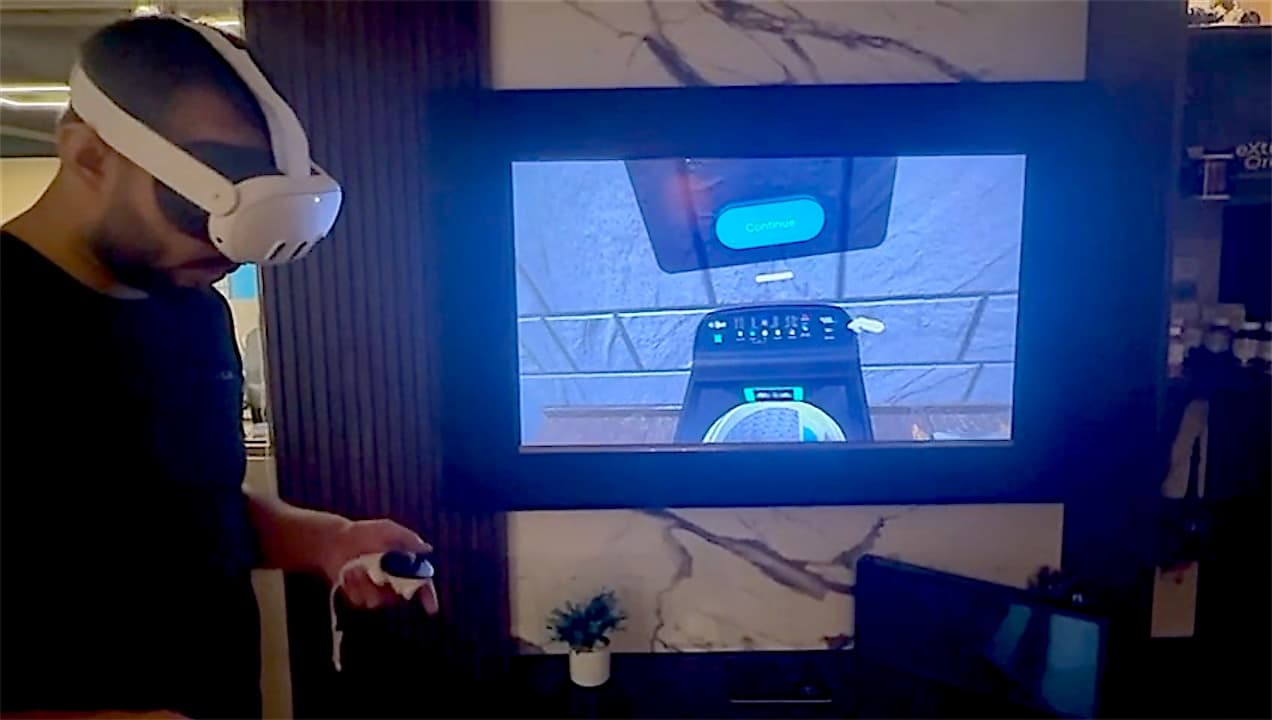
A virtual reality experience built around your product, whatever it is: an appliance, a machine, a car, furniture or a whole showroom. Customers put on a headset, step into a branded room and use a true-to-life 3D model of the product with their own hands, guided step by step. Our first build, for Super Asia, walks people through a top-load washing machine on Meta Quest 3: open the lid, load the clothes, add detergent and press Start. It runs offline on the headset, so it works at any event, and the view can be mirrored to a screen so a whole crowd can watch.
Big products that can't be carried to every showroom or event
Demos that depend on a salesperson being free
Customers who only see a product once it's in their home
Booth visitors who walk past brochures and posters
Training that needs a real unit for every trainee
How it fits together
A room in your brand colours with product displays on the walls and your logo on the welcome screen.
We model whatever you sell, from appliances and machinery to vehicles and furniture, with working parts: lids open, buttons press, drums turn.
Cards with a picture and one instruction each, so first-time VR users always know what to do next.
People grab, lift and drop objects with the controllers, and the product responds the way the real one does.
The headset view plays on a TV or LED wall so everyone at the stand can follow along.
Everything runs on the headset itself, so a weak venue connection never stops a demo.
Add more products and walkthroughs to the same experience as your range grows.
12features, ready on day one
What Interactive VR Product does out of the box. Anything missing can be added for your business.
How we take Interactive VR Product from your plans to go-live.
Meta Quest 3. It's standalone, so no PC or cables are needed.
No. The experience runs offline on the headset, so it works at events and in showrooms with no connection.
Any product. Appliances, machinery, vehicles, furniture, packaging or a whole showroom: we model it from photos, drawings or a sample unit.
Yes. Each step has a short instruction with a picture, and a Continue button to move on.
Yes. The headset view can be mirrored to a TV or LED wall at your stand or showroom.
Demos are in person or on a call. Request a demo and we'll arrange it.
We'll walk you through it live, online or on-site, using a building like yours.
Related products