

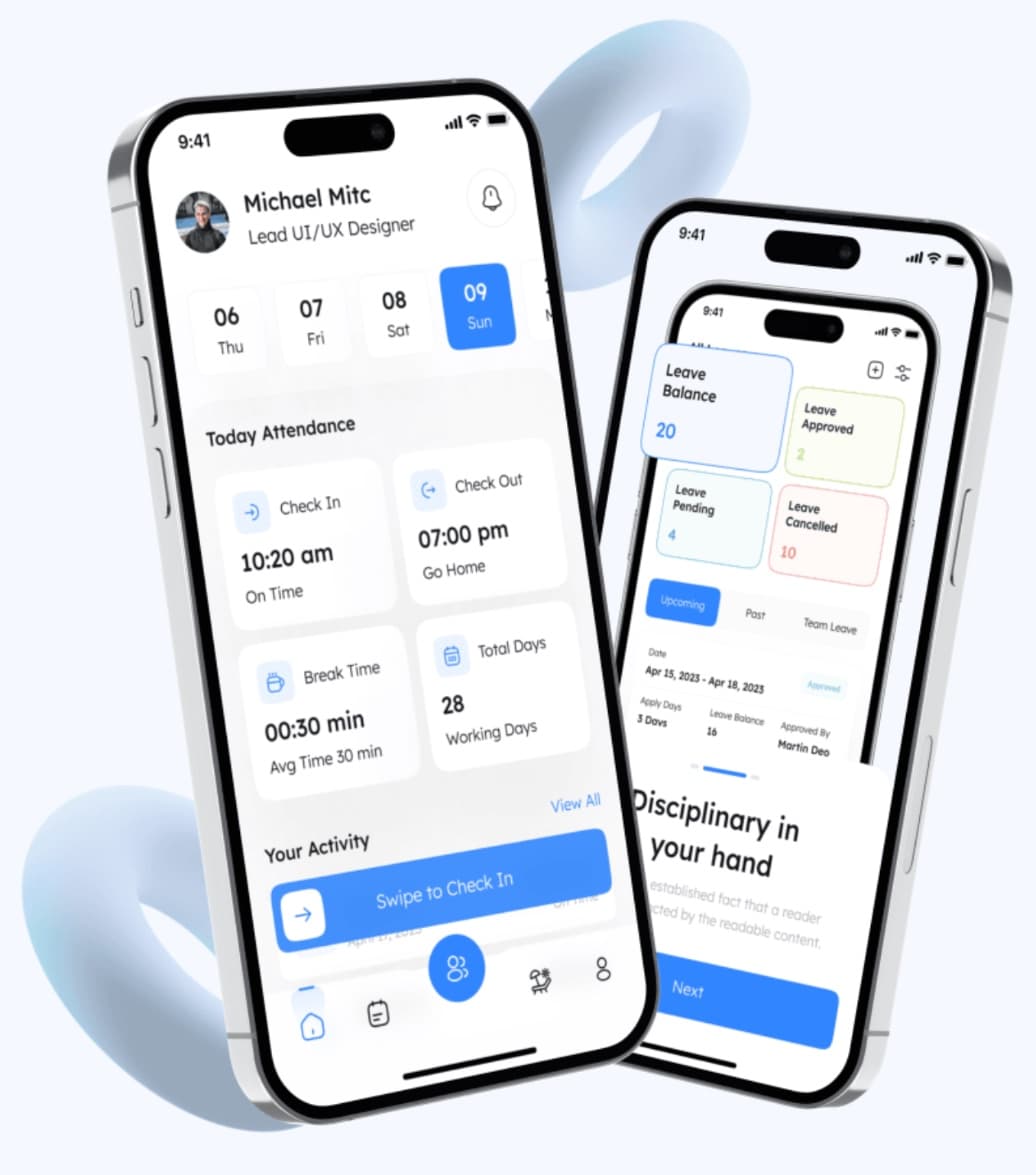
One-tap QR attendance
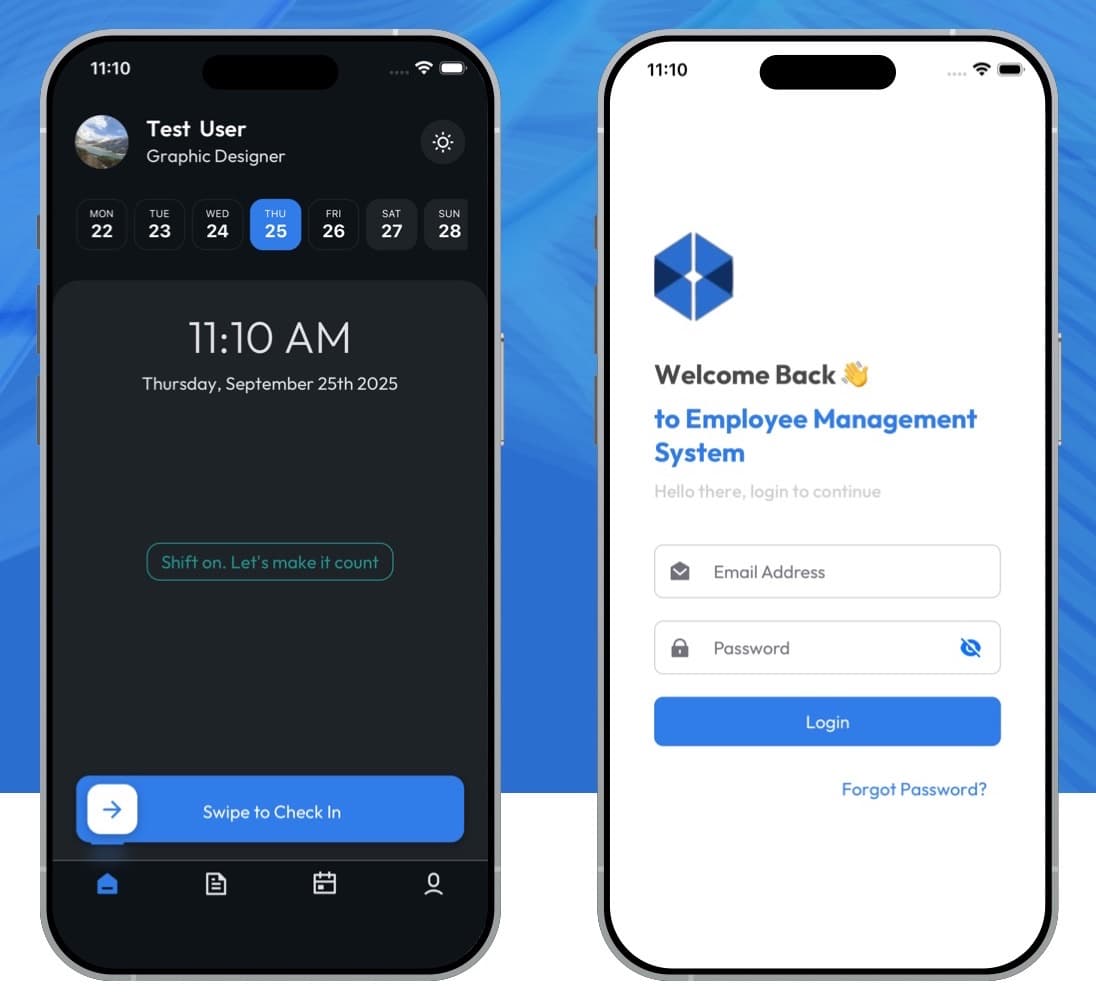
Employees check in and out by scanning the QR code at the workplace, with a swipe to confirm.
EMS takes attendance, leave and shifts off paper.
An all-in-one attendance management system for organisations of every size, with a mobile app for employees and a web portal for management. Employees check in with one tap by scanning the workplace QR code, request leave and track their history. Admins approve requests, watch attendance live, manage shifts, roles and departments, set work hours, overtime and holiday calendars, and export records for audits.
Manual attendance errors and proxy check-ins
Leave approvals stuck in email
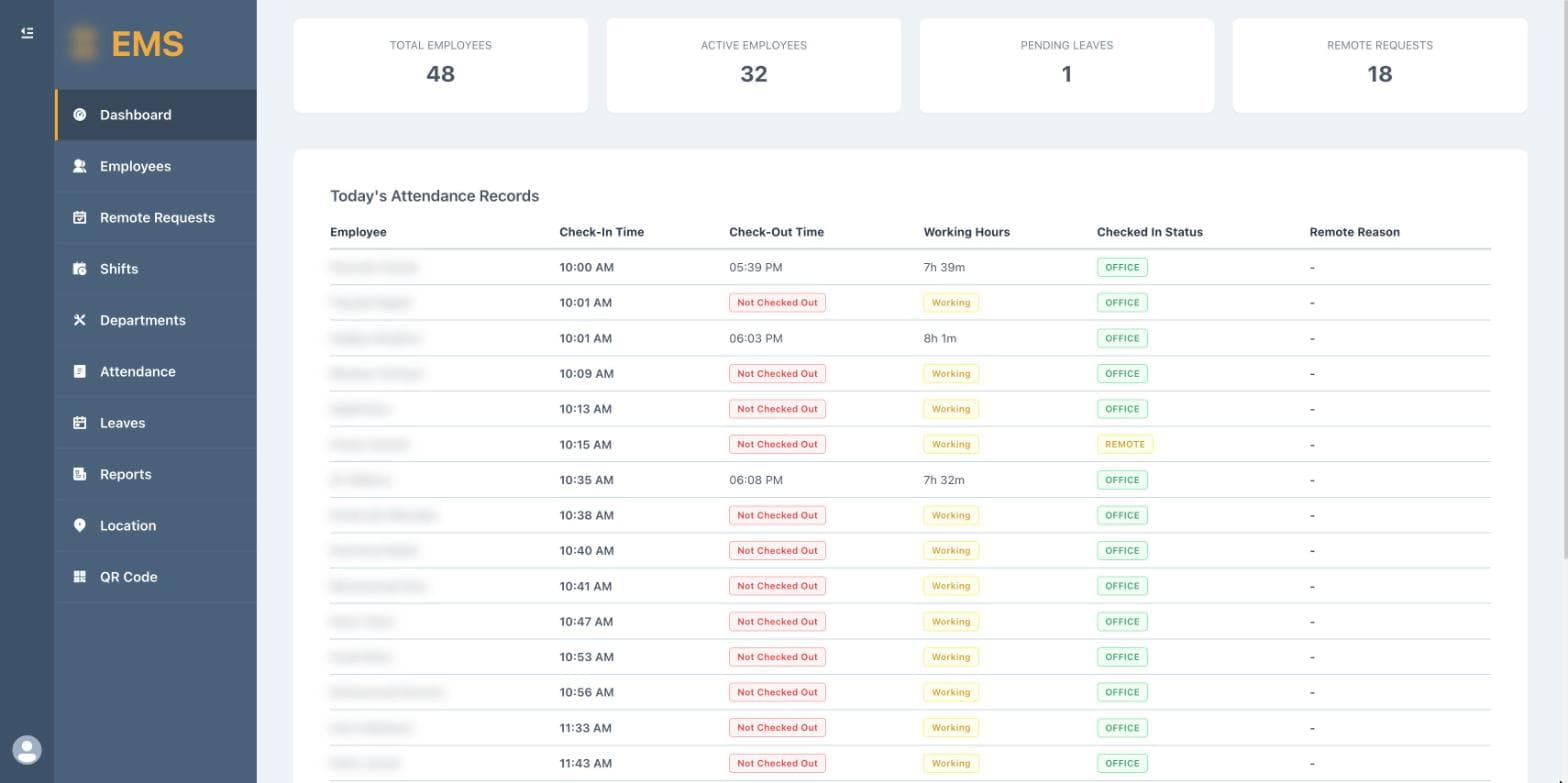
No live view of who's in
Shift planning across departments
Slow, painful audit reports
How it fits together
Employees check in and out by scanning the QR code at the workplace, with a swipe to confirm.
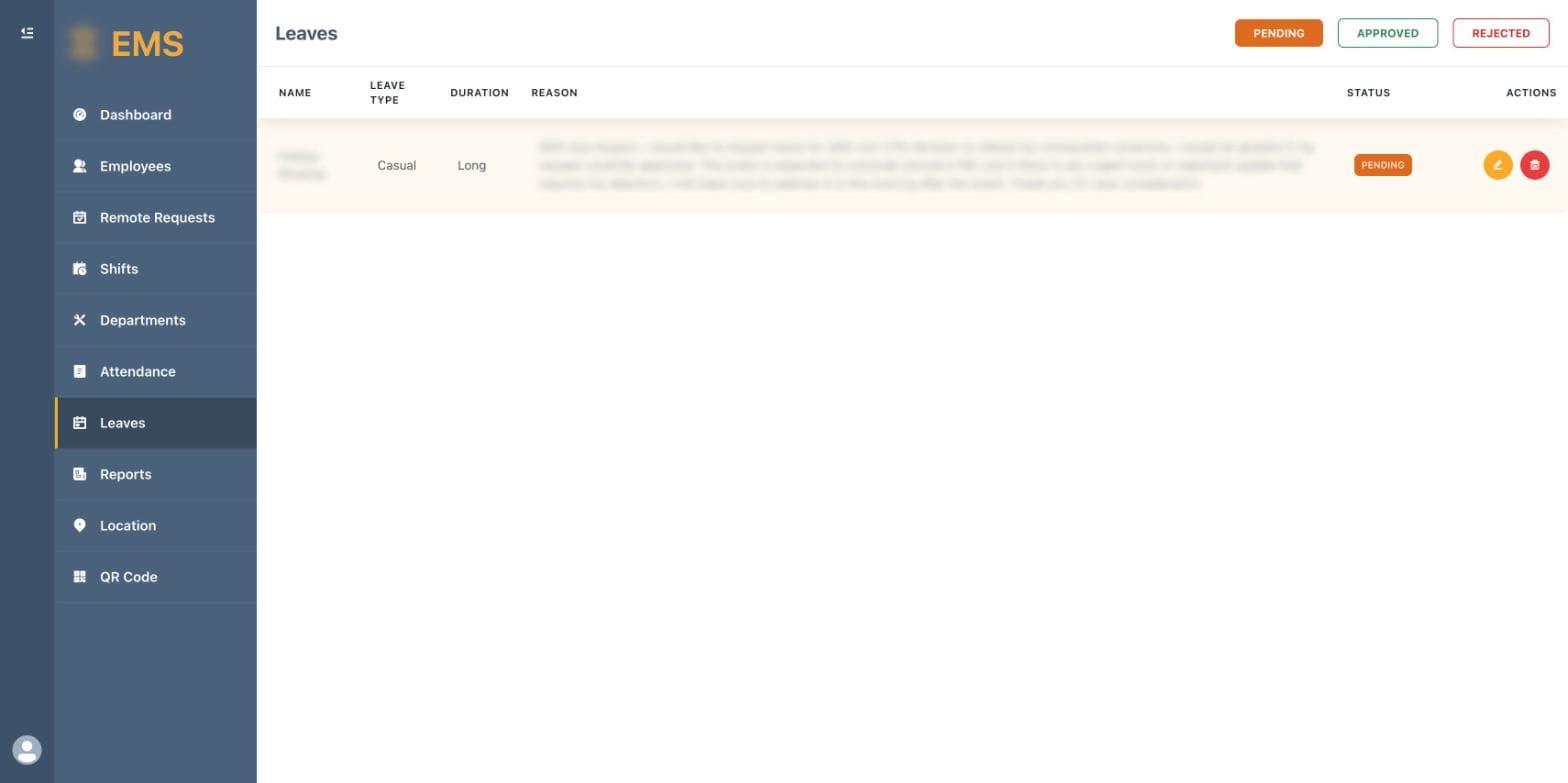
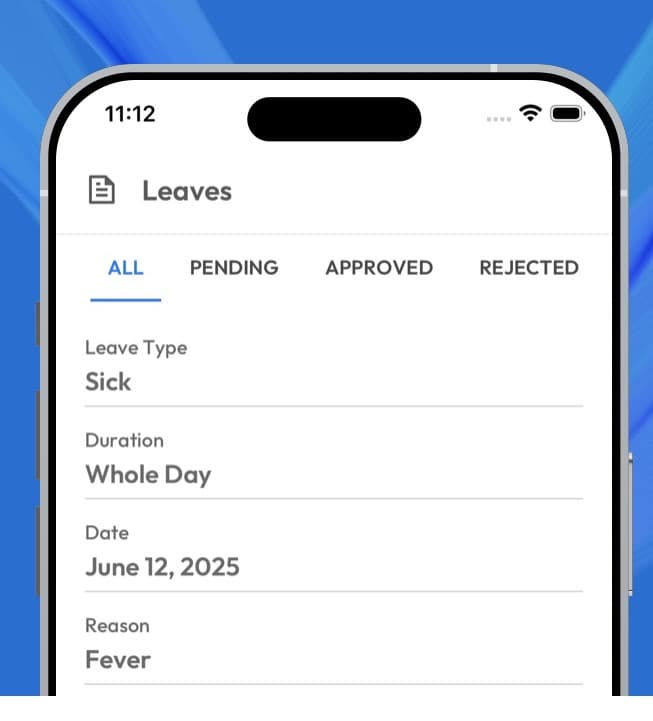
Apply for leave from the app and follow it from pending to approved or rejected.
Attendance history, shifts and leave balance, available to each employee at any time.
Approve or reject attendance and leave requests, and monitor attendance logs live.
Shift schedules, work hours, overtime rules and holiday calendars set per organisation.
Manage employees, roles and departments from one central dashboard.
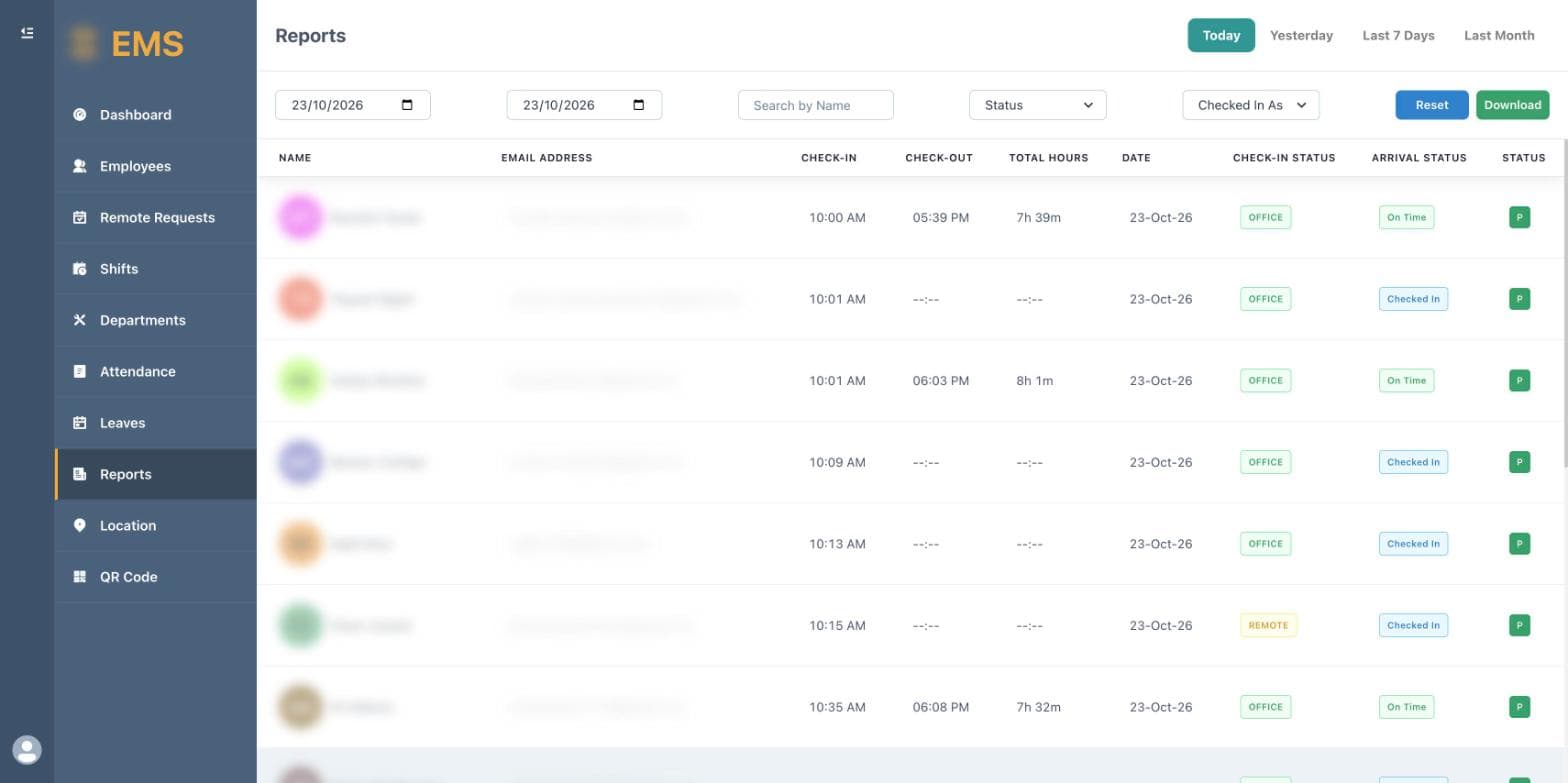
Generate and download detailed attendance records for payroll and audits.
Remote work requests and workplace locations with their own QR codes.
12features, ready on day one
What EMS does out of the box. Anything missing can be added for your business.
Yes. Leave your details on the Explore demo page, confirm your email with the code we send, and you'll get a login to our live demo.
From the mobile app, by swiping to check in or scanning a QR code at the site.
Yes. The app shows balance, approved, pending and cancelled leave, plus upcoming and team leave.
Yes. HR schedules shifts by department and sets holiday and attendance rules.
Yes. Attendance and leave reports can be filtered by employee, department or site and exported.
Explore it yourself right now, or book a 30-minute guided walkthrough, online or on-site.
Related products